
組合関係の動画にセキュリティを付加するために、webアプリを作成する必要が生じた。また、android/iPhon を問わず、手軽に動画を見れるようにするため、webアプリが必須となった。webアプリとして、公開する手順を動画にして備忘録に残すことにした。
マニュアル通り行うが、次のような画面が出て、進まない。
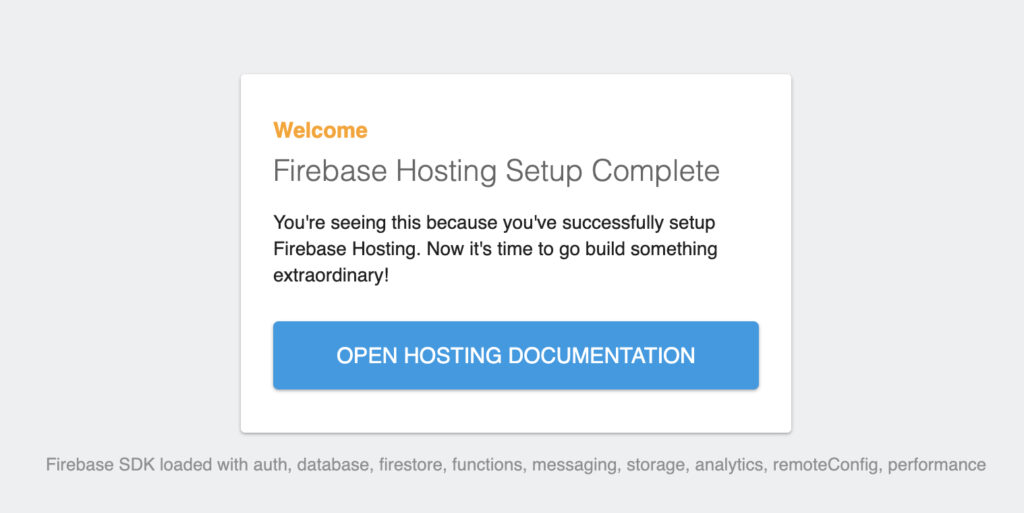
AIに聞いてみたら、2つの重要なファイルが build/web フォルダーにない! ということで、動作しているプロジェクトから、firebase.json .firebaserc というファイルをコピペして、修正したら解決した。詳しくは、動画参照。
■上記のようにならない手順
- プロジェクト/firebase.json を追加
{
  "hosting": {
    "public": "build/web",
    "ignore": [
      "firebase.json",
      "**/.*",
      "**/node_modules/**"
    ],
    "rewrites": [
      {
        "source": "**",
        "destination": "/index.html"
      }
    ]
  }
}
2, プロジェクト/.firebaserc を追加
{
  "projects": {
    "default": "hane1f"
  }
}
3. $ firebase use --add
4. $ firebase init
? What do you want to use as your public directory? build/web
? Configure as a single-page app (rewrite all urls to /index.html)? Yes
? Set up automatic builds and deploys with GitHub? No
5. $ flutter build web
6. $ firebase deploy --only hosting -m "v.1.0.2"